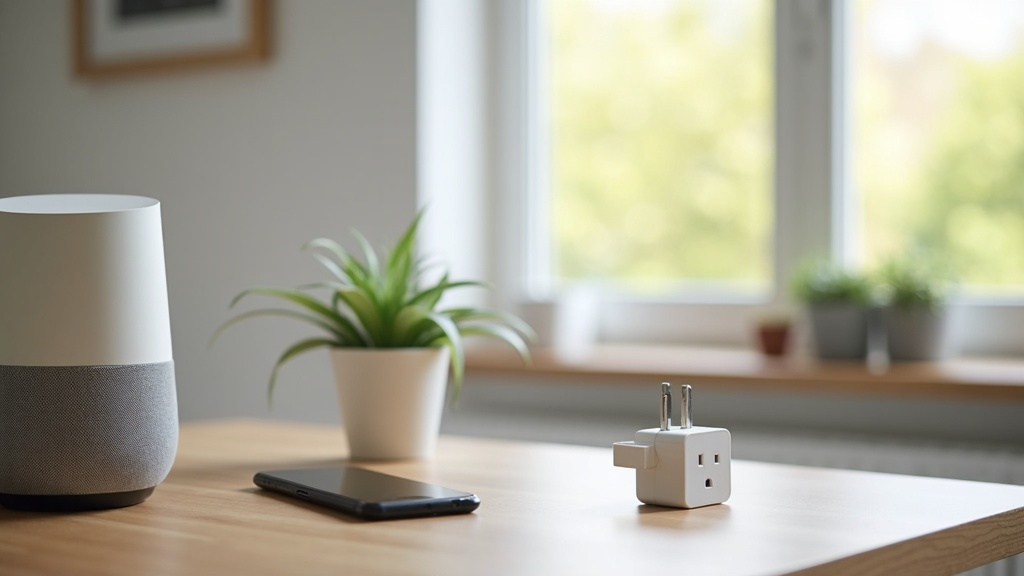
Before buying a smart home device, confirm three things first: it works with the ecosystem you already use (or plan to use), it doesn’t quietly require a monthly subscription to do its basic job, and the seller’s return window is long enough to test it in your actual home network. Features and price come after those three checks, not before — a great gadget that won’t talk to your phone or router is just an expensive paperweight.
Compatibility comes before features
Smart home devices don’t operate in a vacuum. Most rely on a “hub” ecosystem — Amazon Alexa, Google Home, Apple Home, or a Matter-compatible setup — to connect with your phone and with each other. A camera, plug, or thermostat that isn’t compatible with the app you already use for other devices means either juggling multiple apps or replacing gear you already own. Before adding anything to your cart, check the product packaging or listing for explicit compatibility logos or a stated list of supported platforms, not just “works with smart assistants” marketing language.
The newer Matter standard is meant to reduce this fragmentation by letting devices from different brands work under one roof, but adoption is uneven and some older devices never receive the software update to support it. If you’re building out a system piece by piece, it’s worth reading a category-specific buying guide before each purchase rather than assuming everything will simply connect. The electronics and gadgets buying guides hub is a reasonable starting point if you’re comparing device types before deciding what to add to your home.
Hub and network requirements
Some devices work directly over your home Wi-Fi; others need a separate hub, bridge, or dongle to function, which is an added cost and another thing plugged into an outlet. Before buying, check whether the device needs 2.4GHz Wi-Fi specifically (many smart plugs and bulbs do, and won’t connect to a 5GHz-only network), how many devices your router can reasonably support without slowdowns, and whether a hub is sold separately or included in the box.
Privacy and data collection are part of the price
Smart home devices generally collect some data to function — usage patterns for a thermostat, voice snippets for a speaker, motion or video for a camera. That’s not automatically a dealbreaker, but it’s worth knowing what a given device collects, where that data is stored, and whether it’s shared with third parties, before it’s plugged in rather than after. Manufacturer privacy policies vary widely, and a device that seems similar to a competitor on the shelf can handle data very differently behind the scenes.
A few practical habits reduce risk regardless of which brand you choose: change default passwords immediately, keep device firmware updated, put smart home gadgets on a separate guest or IoT network if your router supports it, and disable microphones or cameras on devices when you don’t need that function active. None of this requires special technical training — it’s closer to locking your front door than configuring a server.
Subscriptions can quietly double the cost
A camera, video doorbell, or security system might look like a one-time purchase, but many core features — cloud video storage, advanced motion detection, multi-camera viewing — are locked behind a monthly or annual subscription. Before buying, check whether the device is genuinely useful without a subscription or whether the “free” tier is deliberately limited to push you toward paying. This is one of the more common ways a modest upfront price turns into an ongoing household expense that’s easy to forget about until it shows up on a card statement.
If you’re already tracking recurring costs across streaming, memberships, and rewards programs, it’s worth folding smart home subscriptions into that same mental ledger rather than treating them as separate. Readers comparing how credit card rewards categories actually add up often find the same discipline applies here: small recurring charges are easy to individually justify and collectively expensive.
Warranty, returns, and real-world testing
Smart home devices behave differently in a lab demo than in a house with thick walls, a crowded Wi-Fi band, and other smart devices competing for bandwidth. A sensor that works fine in a showroom might drop connection three rooms away from your router at home. Because of this, the return policy matters more here than for many other purchases — you genuinely need time to test the device in place before you’re sure it works for your layout.
Before buying, check the return window length, whether it starts at purchase or at delivery, whether opened smart home electronics can be returned at all (some retailers restrict this once packaging is opened), and what the warranty actually covers beyond the return period. It’s worth reading through general guidance on how return policies should factor into buying and how to compare warranties before buying an appliance, since many of the same principles — proof of purchase, restocking fees, who pays return shipping — apply just as much to a smart plug as to a full-size appliance.
Open-box, refurbished, and comparison shopping
Smart home gadgets are a category where open-box and refurbished units can be a genuinely reasonable way to save money, since many returns happen because of setup confusion rather than a hardware defect. If you go this route, checking the seller’s inspection and testing process matters — the refurbished electronics buying checklist covers what to verify before paying for a unit that isn’t sealed in original packaging, including checking for a fresh factory reset and confirming remaining warranty coverage.
It’s also worth comparison shopping across a few retailers rather than buying on impulse from the first listing you see, since prices for the same model can vary meaningfully between a big-box retailer, a warehouse club, and an online marketplace. Rather than manually checking prices every few days, some shoppers use comparison shopping and price tracking tools to watch for price drops before committing, especially on higher-cost items like video doorbells or whole-home hubs. As an illustrative example only, a basic smart plug might run somewhere in the $10-25 band and a full video doorbell somewhere in the $80-200 band, but these figures shift constantly by brand and season, so always check current listings rather than relying on a remembered number.
When to buy for the best value
Smart home categories tend to see meaningful markdowns around major shopping holidays in late fall and again in early January, when retailers clear holiday inventory. New product launches in a given category can also push older models into clearance, which is worth watching if you’re not attached to having the newest version. Checking a deal-timing resource before a big purchase — similar to how shoppers plan around deal timing and sales calendars for other categories — can help you avoid paying full price for something that’s reliably discounted a few weeks later.
Frequently asked questions about buying a smart home device
Do smart home devices work without Wi-Fi?
Most need Wi-Fi or a hub connected to your home network to function fully, though some basic features like local scheduling may still work offline. If your internet goes down, expect voice control, remote access, and app notifications to stop working until service is restored.
Is it safe to use smart home devices with cameras or microphones?
They can be used reasonably safely if you change default passwords, keep firmware updated, review the manufacturer’s privacy policy, and disable the camera or mic when not needed. No device is risk-free, but these basic steps address most common vulnerabilities.
Do I need a hub for every smart home device?
Not always — many plugs, bulbs, and simple sensors connect directly to home Wi-Fi. Cameras, some locks, and larger ecosystems (like certain lighting brands) often require a dedicated hub or bridge, so check the product listing before assuming one isn’t needed.
Why do smart home devices need a subscription?
Subscriptions usually fund cloud video storage, advanced detection features, or extended app history rather than basic device operation. Some devices work fully without one; others are deliberately limited on the free tier, so it’s worth checking what’s included before buying.
Are refurbished smart home devices worth buying?
Often yes, since many returns stem from setup confusion rather than defects, but confirm the seller performed a factory reset, wiped prior account data, and offers some remaining warranty or return window before purchasing a refurbished or open-box unit.
Shopper Marts publishes general shopping and buying information, not financial advice, and we are not a retailer. We do not verify real-time prices, stock, or sale terms — always confirm current price, availability, and return policy directly with the seller before buying. Product categories, not specific real brands or models, are discussed unless otherwise noted, and nothing here is a guarantee of price or performance.